
BGMI X Login Issue on iOS: Full Workaround to Get In
BGMI X login failing on iOS? Here are both official workarounds, step by step, to fix the BGMI Twitter login issue and get back into the game.
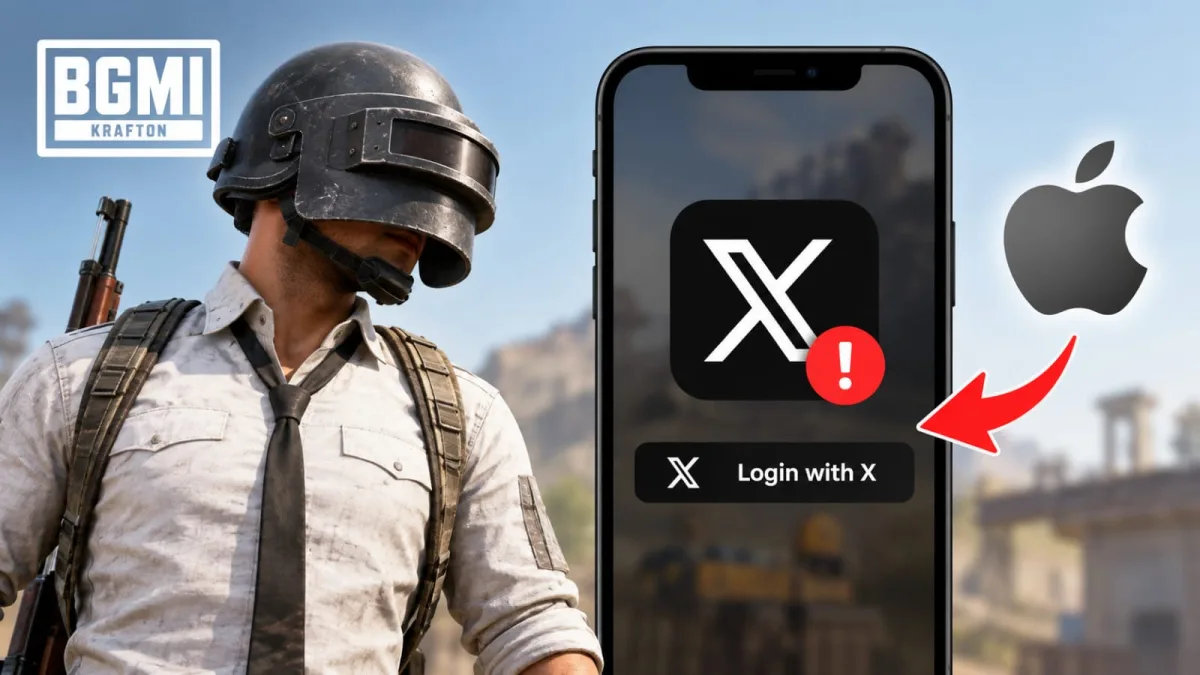
Some iOS players are unable to get into BGMI right now because the X (formerly Twitter) login method is failing, and the BGMI X login issue on iOS has been traced to a problem on X's side rather than the game itself. The team says it is already in talks with X to sort it out, but till then you have workarounds that are actually getting players back into the lobby.
First Workaround for BGMI X Login on iOS
Start with the simple one if you just want to get in fast:
- Uninstall the X app from your iPhone or iPad.
- Open BGMI and tap the X login option.
- When the X login window pops up, close it or force-close the game.
- Relaunch BGMI and try logging in again.
This clears the app handoff that is breaking the login, and many players get through after the second attempt.
BGMI Twitter Login Fix If You Still Can't Sign In
If the BGMI login failed iOS problem continues, use the detailed workaround that walks you through authorising the app manually:
- Uninstall the X app from your device.
- Open BGMI, tap Twitter/X Login, scroll down and select Apps and Sessions.
- Enter your email address or username, hit Continue, and key in the OTP sent to your email.
- When the "Page not available" screen shows up, tap the back arrow in the top-left corner.
- On the X authorisation page, tap Authorize app and your login should complete.
The key here is step 3 onwards, since you are logging into X through the browser flow instead of the app, which is exactly where the BGMI Twitter login fix works. You can also grab the game again from our Battlegrounds Mobile India download page if you are setting up on a fresh device.
What Happens Next
The team is still monitoring the issue and will push an update once X confirms a proper fix, so keep an eye on official notices. Till then, do not spam the login button repeatedly - run the steps once, relaunch, and try again. Your account and progress are untouched; this is purely a sign-in problem on iOS.



Comments
No comments yet. Start it off.