
PUBG Mobile VPN for Low Ping: Fix High Ping in 2026
Best VPN for PUBG Mobile in 2026 to fix high ping. Try Singapore Plus and Octohide on the Singapore server for smoother matches and better bullet registration.

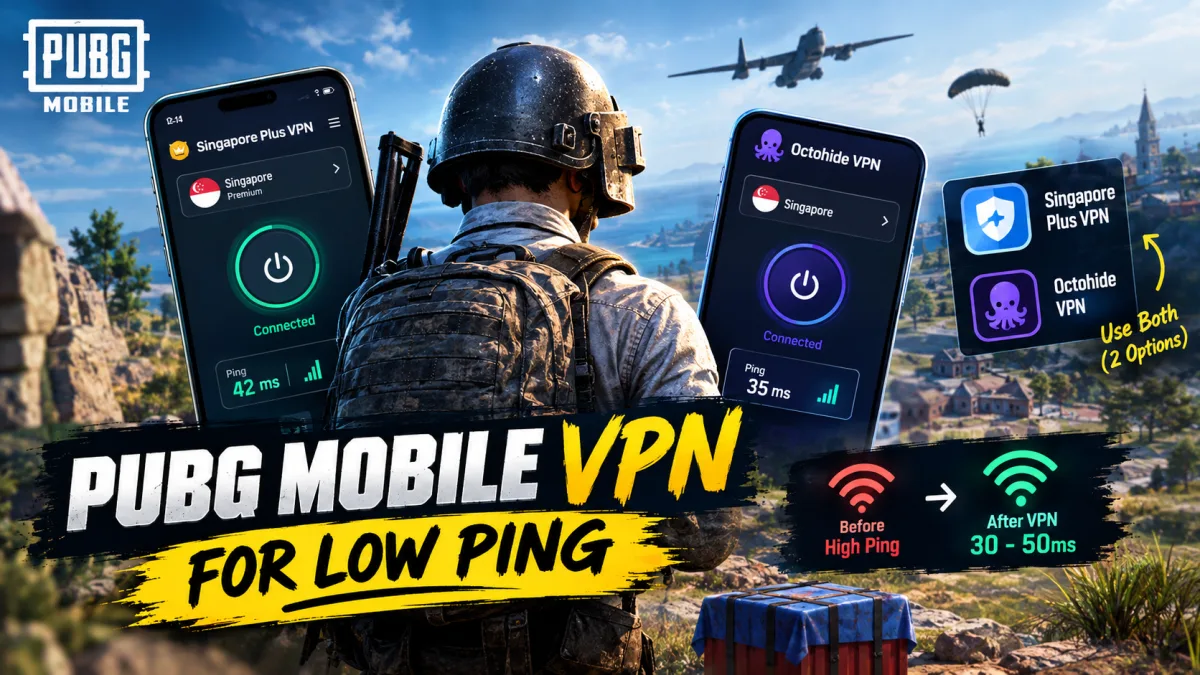
If you play PUBG Mobile and your ping keeps spiking, you have probably already searched for a PUBG Mobile VPN for low ping. The honest truth is that no VPN will magically drop you to 20ms, and any creator promising that is lying to you. What a good VPN can do is bring your ping down enough that the game feels comfortable again. Expect roughly 30 to 50ms on PUBG Mobile even if BGMI gives you around 20ms, and if BGMI runs at 40ms for you, PUBG Mobile will sit somewhere around 70 to 80ms. That is still playable, and far better than the rubber-banding you get on a bad route.
Why You Need Two VPNs, Not One
A single VPN tends to degrade after a few days, and that is when high ping creeps back in. Keeping a second option ready means you can switch the moment one starts acting up, instead of sitting through a whole match with bullets that refuse to register.
- Singapore Plus VPN is the first pick, and it is the one that fixed bullet registration and movement for many players coming off Super VPN.
- Octohide VPN is the second, and it is the one used personally by the creator behind this tip, with no issues reported so far.
Best VPN for PUBG Mobile in 2026
Both options work best on the Singapore server, so always pick that. The catch is that the Singapore server is no longer free, which means you will sit through an ad before it connects.
- Open the VPN and select the Singapore server.
- Watch the ad so the connection unlocks.
- Connect and check the ms reading shown at the bottom.
- If the number looks too high, disconnect and reconnect.
- Do not repeat this more than two or three times, or you will be hit with a flood of ads.
What to Try If You Play BGMI
BGMI players who already get around 20ms have the smoothest run, but the same rules apply: a clean Singapore route beats a random one every time. If your BGMI high ping problem keeps returning, rotate between the two VPNs instead of sticking to one.
A Bonus Route With No VPN at All
There is a way to play on Android without any VPN, though it is not an option on iOS. The workaround involves downloading TapTap from your browser and installing PUBG Mobile through it, which also helps with resource packs, map downloads, and getting lower ping since no VPN is sitting in between. You can grab the game from our PUBG MOBILE download page if you would rather install it the usual way.
Remember, the point is not a fake low number on screen. It is a match where your bullets land and your movement feels smooth, and either of these VPNs on the Singapore server gets you there.




Comments
No comments yet. Start it off.