
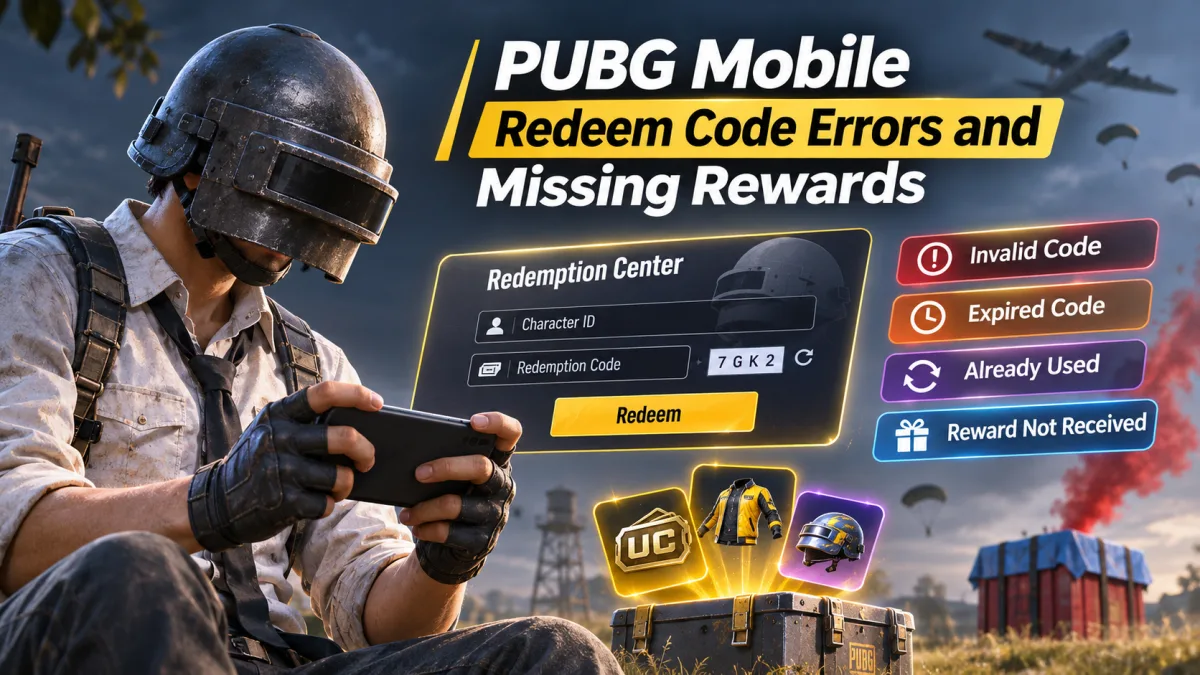
PUBG Mobile Redeem Code Errors and Missing Rewards
Invalid PUBG Mobile redeem code? Here's how to match the error message, check your character ID and chase a missing reward through official support.
A PUBG Mobile redeem code that comes back invalid, or a reward that never shows up, is not one single problem. The message shown, where the code came from and which character ID was entered decide what the next step should be. Reports of an invalid code, an expired code, a code that was already used and a reward not received are all different things.
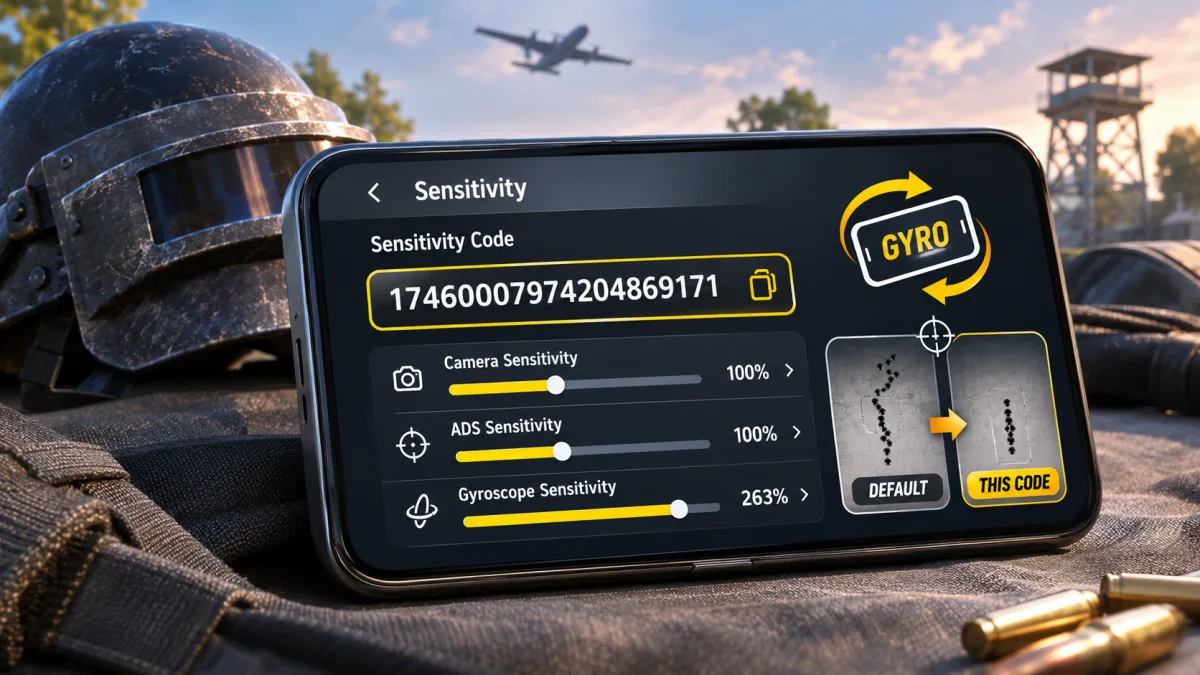
The Redemption Center asks for a character ID, a redemption code and a verification check. Its stated rules say rewards can be collected through in-game mail after the submission is confirmed. If an official promotion names another legitimate destination, follow that route instead. A code advertised online is not automatically a current official promotion.
Where to start
Go back to the original official announcement, creator partnership or purchase record rather than to a reposted list or a screenshot.
- Check the edition, region and campaign period the promotion states, along with any other conditions.
- Copy only the redemption code, with no captions and no extra spaces.
- Match the character ID against the intended character's profile. A nickname is not necessarily the identifier the form wants.
- Read the full response carefully after submitting.
What the message tells you
The current public redemption page carries an invalid-code-or-ID response and a notice about retrying after failed attempts. These are messages the form can show, not proof that a particular player's code produced them.
- Invalid code or player ID: check both fields. The combined wording does not say which one is wrong.
- Expired, exhausted or already redeemed: go by the campaign's actual conditions and the exact response, if one is shown.
- Verification check fails: complete the current check through the official form. It is not an account SMS code.
- Too many attempts: follow the stated retry instruction instead of resubmitting again and again.
- Success but no visible item: check the right character, the in-game mail and any campaign-specific delivery instructions.
Do not treat every failed submission as an expired code.
When the reward is missing
If redemption succeeded but nothing arrived, keep the success confirmation, the source of the code, the character ID and the time with timezone. Check the in-game mail and match what you find against what the campaign actually promised. A cosmetic, a temporary item, a voucher and a UC balance change are not the same reward, so don't expect one to appear in the other's place.
Do not delete the app to force delivery. If the mail is empty or the claimed reward is absent, preserve that evidence and go through the promotion's official support route. No arrival deadline should be assumed unless the current terms give one.
Vouchers and paid orders are separate
The Midasbuy FAQ describes its own redemption route for PUBG Mobile codes. Use it only for codes meant for that service and a supported region, since a generic game-event code is not automatically a Midasbuy UC voucher. If money was paid for an order that never arrived, that is a PUBG Mobile missing UC case with its own route. A missing login or security verification message is a separate account-code delivery issue.
Reporting it properly
Contact PUBG Mobile support with the original promotion, the eligibility details, the complete error or success message and the time. Keep an unused code private. No one can refresh an expired code for payment, and a reposted monthly list cannot be called tested when no redemption was done.
Above all, never hand a game password, social-login code or payment information to a third-party "free UC generator". A page with PUBG artwork on it does not make that page the publisher's.

Comments
Tell us what you think of this story, and keep it respectful.
No comments yet
Start the conversation.