
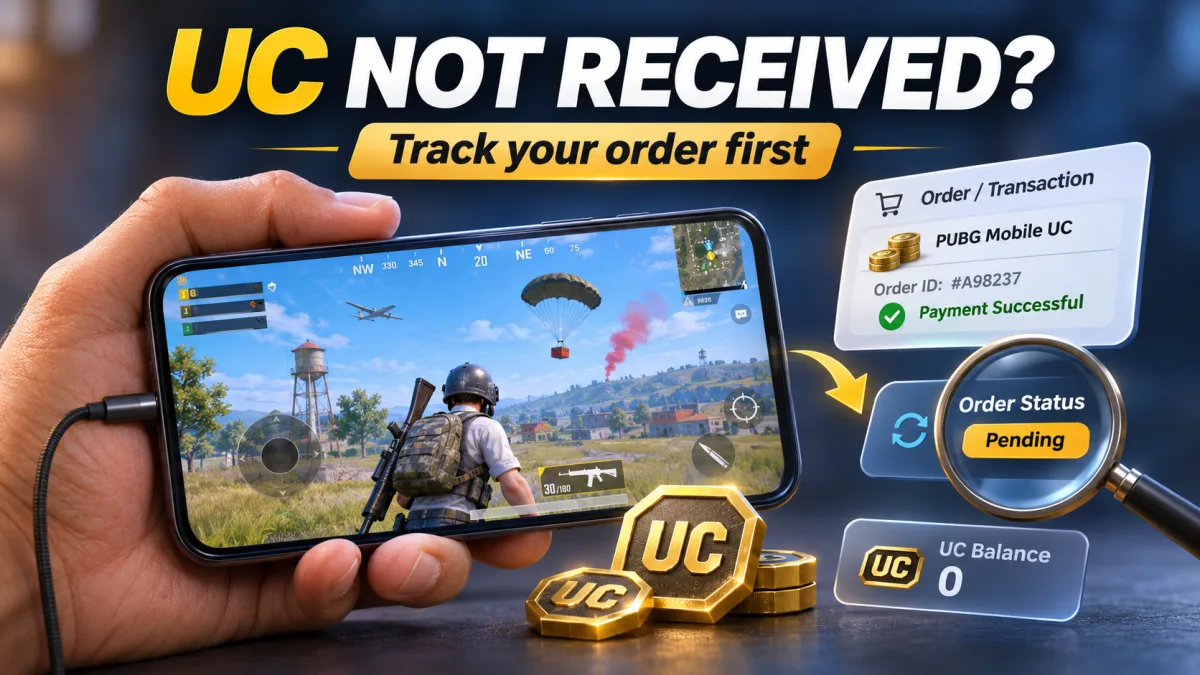
PUBG Mobile UC Not Received? Track Your Order First
UC missing after payment in PUBG Mobile? Check the seller's order status, confirm the player ID, then use the correct support route before buying again.
Paid for UC and it never showed up? If your PUBG Mobile UC not received problem is staring back at you from the balance screen, the first thing to do is stop and check the order itself before spending again. A bank notification only tells you money left your account. It does not tell you which character the order was sent to, or whether the seller counts that order as finished.
Midasbuy purchases, in-store purchases and promotional bonuses each have their own support route and terms, and those routes are not interchangeable.
Build a clear order record first
Before you contact anyone, keep one clean record of the purchase. The guidance sets out what that record should hold:
- The seller or store, and which game edition you bought for
- The order or transaction reference, and the status the seller shows for it
- Purchase time with timezone, the item, and the amount and currency
- The player ID you entered, or the character active when you bought
- The UC you expected, your current balance, and any bonus that was promised separately
Keep the original receipt. Do not put a full card number, bank statement or authentication code out in public. A private support form may ask for an order reference, but that is no reason for a stranger to get your payment login.
Pending, failed and completed are not the same
A PUBG Mobile UC missing after payment issue usually sits in one of these buckets, and each one needs a different move:
- Pending or incomplete: follow the status instructions from the seller or payment channel.
- Failed or cancelled: check that order's outcome with the seller instead of reporting a completed delivery.
- Completed but UC missing: confirm which character was the destination, then raise a delivery issue.
- Base UC arrived, bonus absent: check that promotion's eligibility, timing and reward route.
Buying again does not fix the first order. It just creates a second order you now have to track.
Where you bought changes who you ask
The official Midasbuy FAQ says PUBG Mobile UC is credited to the game account and asks buyers to check their balance. Its published guidance sends users whose products are undelivered after 24 hours to Midasbuy support, with player ID, region, item, payment channel and purchase time. That is Midasbuy's own guidance, not a promise that every purchase takes 24 hours or that other sellers follow the same reporting period. Use the support route attached to your actual order and its current regional terms. And if the wrong player ID was entered, say so plainly. There is no automatic transfer of that credit.
For Google Play, the in-app purchase guide asks buyers to check that payment completed and to reopen the app before going to the developer about undelivered content. Use the purchase history of the Google account that paid, and put the order reference in the private support request. If the transaction was declined, dig into the payment error rather than refreshing the UC balance again and again. Refunds depend on the purchase and the process that applies, and delivery troubleshooting does not guarantee one.
On Apple, game currency is a consumable purchase, unlike items that can be restored. Do not expect a Restore Purchases button to bring UC back. Keep the receipt, confirm which Apple Account paid, and use the developer and Apple problem-reporting options.
Do not delete the game as your first fix either.
Use the right account and issue type
If signing in now opens a different character, sort out the login first. For an order that was completed and credited to the intended character but still never arrived, contact PUBG Mobile purchase support with the seller, the order reference and a factual timeline. Keep one coherent record of what each side tells you.
And no real delivery investigation needs you to pay a "release fee" to some unrelated helper to get your UC out.
More on PUBG Mobile is on the official site.

Comments
Tell us what you think of this story, and keep it respectful.
No comments yet
Start the conversation.